Create the API route
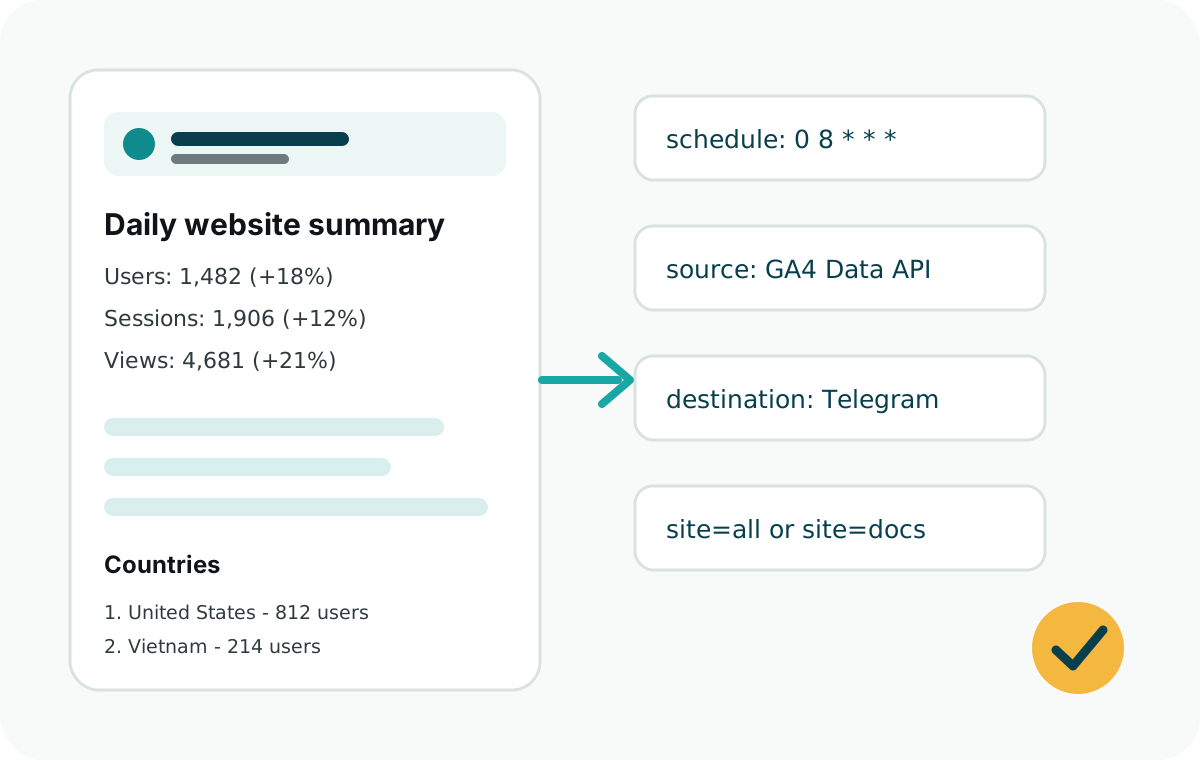
The Vercel adapter wraps runDailySummary() and handles request authorization, dry runs, site selection, and JSON responses.
const {
  createVercelDailySummaryHandler,
  ga4Source,
  telegramDestination
} = require("web-analytics-reporter");

module.exports = createVercelDailySummaryHandler({
  secret: process.env.CRON_SECRET,
  source: ga4Source({
    clientEmail: process.env.GOOGLE_CLIENT_EMAIL,
    privateKey: process.env.GOOGLE_PRIVATE_KEY
  }),
  destination: telegramDestination({
    botToken: process.env.TELEGRAM_BOT_TOKEN
  }),
  sites: [{
    id: "marketing",
    name: "Marketing Site",
    ga4PropertyId: process.env.GA4_PROPERTY_ID,
    telegramChatId: process.env.TELEGRAM_CHAT_ID
  }]
});
Add the Vercel Cron schedule
{
  "crons": [
    {
      "path": "/api/daily-summary",
      "schedule": "0 8 * * *"
    }
  ]
}
Test the route
Preview the report without sending Telegram by opening the route with dryRun=1. Send a real report only after the message looks right.
https://example.com/api/daily-summary?secret=<CRON_SECRET>&dryRun=1Use the initializer
The CLI can create the starter Vercel route, vercel.json, and .env.example for you.
npx web-analytics-reporter init --site-name "Marketing Site"