When GitHub Actions is the right scheduler
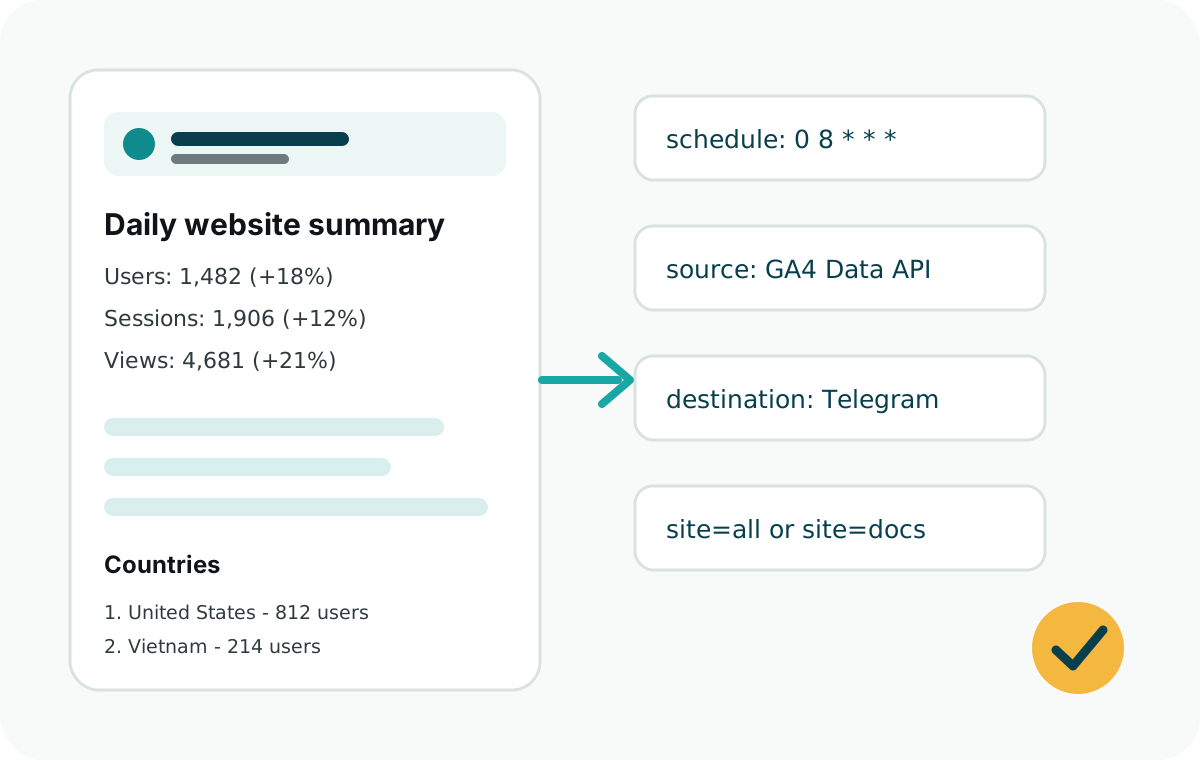
Use GitHub Actions when the report is simple, runs once or twice per day, and does not need an always-on backend. Store secrets in the repository or organization secrets panel.
For multiple apps, create one repository for reporting automation or keep the workflow near each website source code.
Workflow example
name: Daily analytics report

on:
  schedule:
    - cron: "0 8 * * *"
  workflow_dispatch:

jobs:
  report:
    runs-on: ubuntu-latest
    steps:
      - uses: actions/checkout@v4
      - uses: actions/setup-node@v4
        with:
          node-version: 20
      - run: npm ci
      - run: node examples/github-actions/daily-summary.js
        env:
          GA4_PROPERTY_ID: ${{ secrets.GA4_PROPERTY_ID }}
          GOOGLE_CLIENT_EMAIL: ${{ secrets.GOOGLE_CLIENT_EMAIL }}
          GOOGLE_PRIVATE_KEY: ${{ secrets.GOOGLE_PRIVATE_KEY }}
          TELEGRAM_BOT_TOKEN: ${{ secrets.TELEGRAM_BOT_TOKEN }}
          TELEGRAM_CHAT_ID: ${{ secrets.TELEGRAM_CHAT_ID }}
Required secrets
GA4_PROPERTY_ID: the numeric GA4 property ID.GOOGLE_CLIENT_EMAIL: the service account email.GOOGLE_PRIVATE_KEY: the private key from the service account JSON.TELEGRAM_BOT_TOKEN: the Telegram bot token.TELEGRAM_CHAT_ID: the chat, group, or channel ID.
Test before sending
Use the included GitHub Actions example with dryRun while configuring access. A dry run confirms that GA4 returns data and that the message text is readable.
GitHub schedules run in UTC. Pick the cron time that matches the report morning in your business time zone.