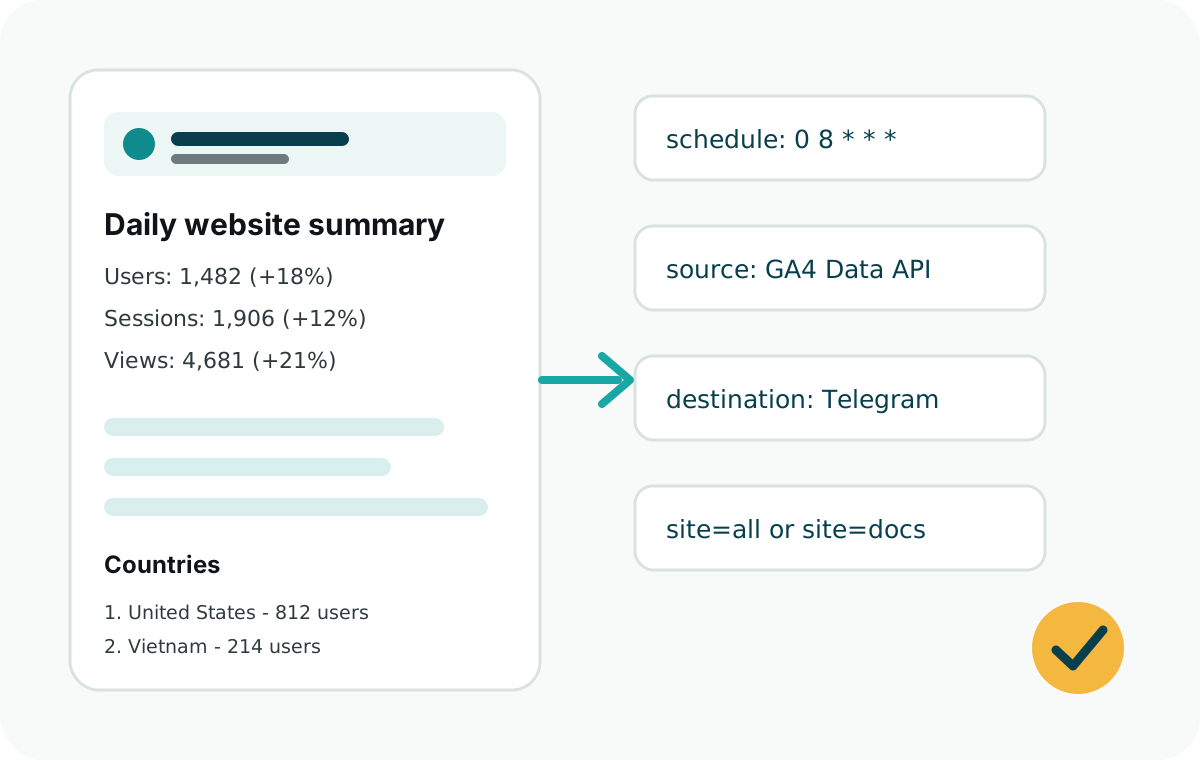
How multi-site reporting works
Each site is a small configuration object with an ID, display name, GA4 property ID, and Telegram chat destination. The runner can send all reports or only one selected site.
Multi-site configuration
sites: [
  {
    id: "marketing",
    name: "Marketing Site",
    ga4PropertyId: process.env.MARKETING_GA4_PROPERTY_ID,
    telegramChatId: process.env.MARKETING_TELEGRAM_CHAT_ID
  },
  {
    id: "docs",
    name: "Docs",
    ga4PropertyId: process.env.DOCS_GA4_PROPERTY_ID,
    telegramChatId: process.env.DOCS_TELEGRAM_CHAT_ID
  },
  {
    id: "app",
    name: "App",
    ga4PropertyId: process.env.APP_GA4_PROPERTY_ID,
    telegramChatId: process.env.APP_TELEGRAM_CHAT_ID
  }
]
Environment variables
For multiple sites, keep Google and Telegram credentials shared when possible, then give each site its own GA4 property ID and chat ID.
GOOGLE_CLIENT_EMAIL=ga4-report-reader@your-project.iam.gserviceaccount.com
GOOGLE_PRIVATE_KEY="-----BEGIN PRIVATE KEY-----\n...\n-----END PRIVATE KEY-----\n"
TELEGRAM_BOT_TOKEN=123456789:replace-with-bot-token

MARKETING_GA4_PROPERTY_ID=111111111
MARKETING_TELEGRAM_CHAT_ID=123456789

DOCS_GA4_PROPERTY_ID=222222222
DOCS_TELEGRAM_CHAT_ID=987654321

APP_GA4_PROPERTY_ID=333333333
APP_TELEGRAM_CHAT_ID=456789123
These are numeric GA4 property IDs, not G-XXXXXXXXXX measurement IDs. The measurement ID is only needed on the website for browser tracking.
Run one site or all sites
In a Vercel route, request ?site=all to report every site or ?site=docs to report only one. In a plain Node.js runner, pass the site ID through your own script arguments.
site=all: send every configured report.site=marketing: send only the marketing site report.- No site parameter: use the default configured behavior.
Team usage patterns
Small teams often send all websites to one private Telegram group. Agencies may prefer a separate chat per client or product. Both patterns work because each site can define its own chat ID.
Keep GA4 access narrow. Add the reporting service account only to the properties it needs to read.