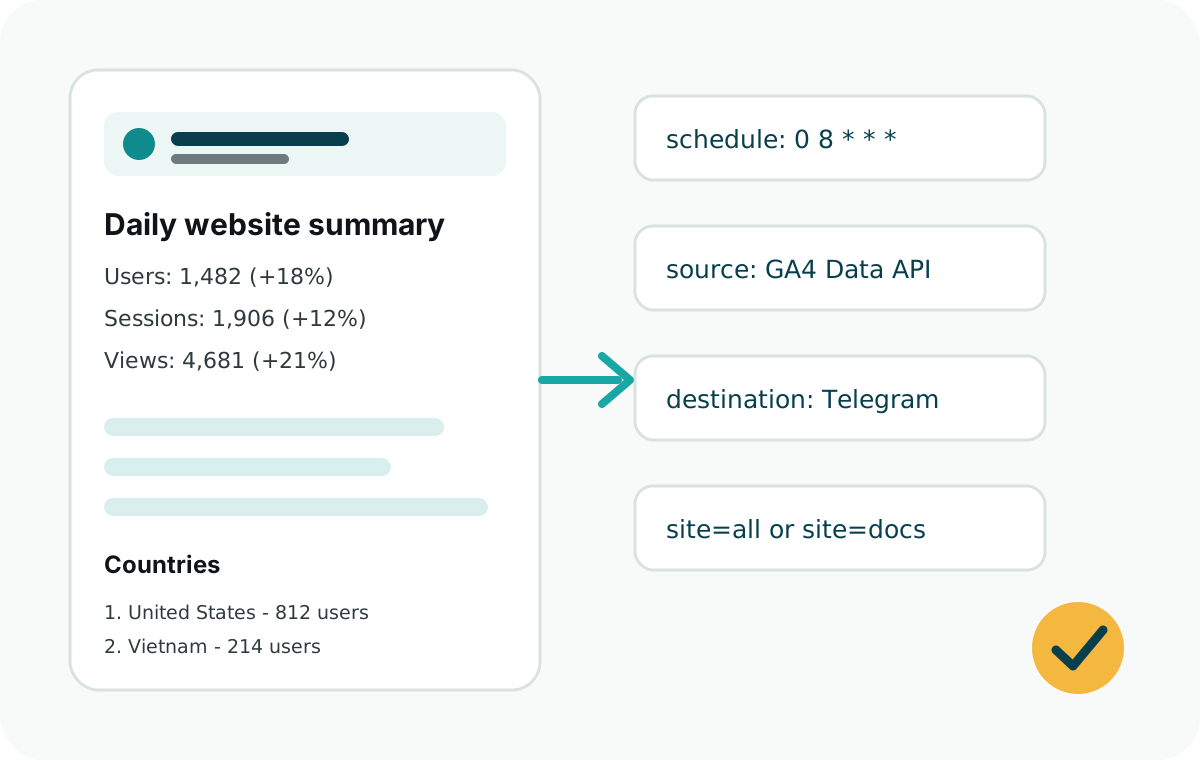
Answer first
Install web-analytics-reporter, connect a GA4 service account, add a Telegram bot token and chat ID, then schedule runDailySummary() once per day.
This keeps GA4 as the source of truth while Telegram becomes the place where the summary arrives.
Recommended metrics
- Users, sessions, and page views.
- Change versus the previous day.
- Top countries and top traffic sources.
- Top pages by views or users.
- Custom events such as downloads, signups, support clicks, or checkout starts.
Minimal daily report job
const {
  runDailySummary,
  ga4Source,
  telegramDestination
} = require("web-analytics-reporter");

runDailySummary({
  source: ga4Source({
    clientEmail: process.env.GOOGLE_CLIENT_EMAIL,
    privateKey: process.env.GOOGLE_PRIVATE_KEY
  }),
  destination: telegramDestination({
    botToken: process.env.TELEGRAM_BOT_TOKEN
  }),
  sites: [
    {
      id: "marketing",
      name: "Marketing Site",
      ga4PropertyId: process.env.GA4_PROPERTY_ID,
      telegramChatId: process.env.TELEGRAM_CHAT_ID
    }
  ],
  timeZone: "UTC"
});
Choose a scheduler
Use Vercel Cron when your site is already on Vercel. Use GitHub Actions when you want a simple scheduled workflow without hosting a worker. Use Express, Railway, Netlify, or plain Node cron when the report should live beside an existing backend.