What the package does
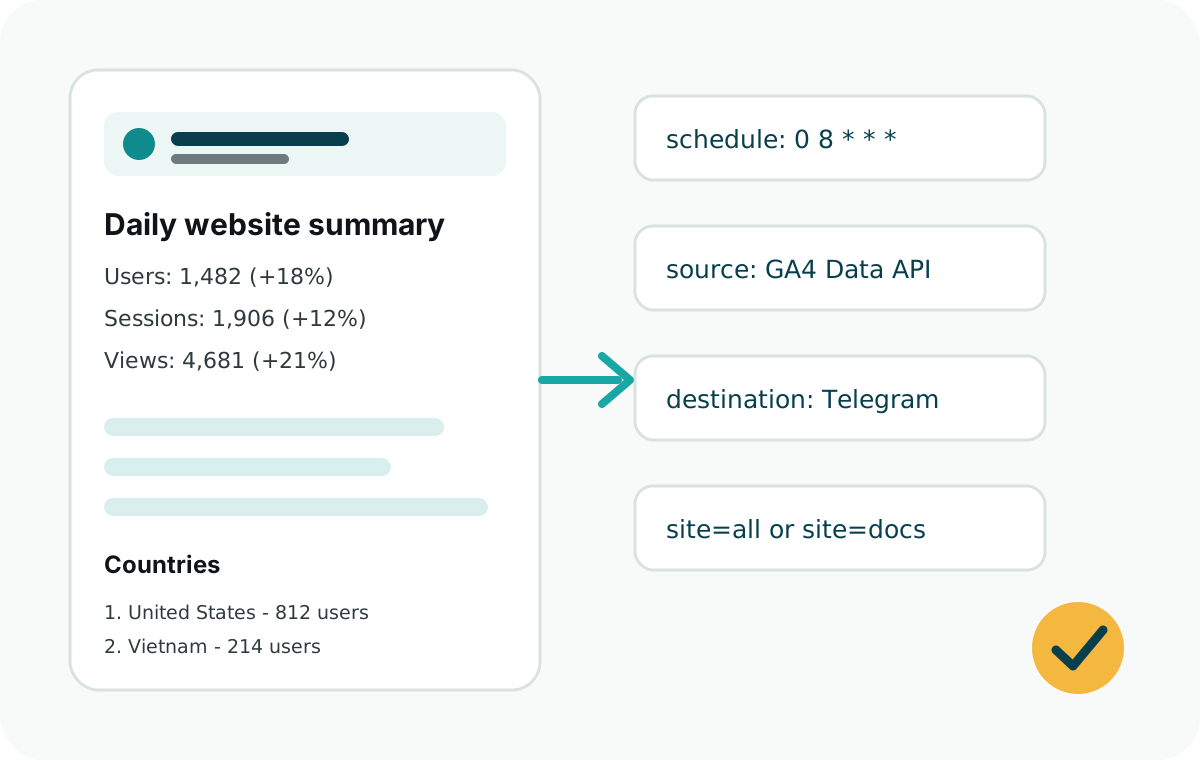
Web Analytics Reporter reads GA4 reporting data, formats a concise daily message, and sends it to Telegram. It is built for scheduled reports, not live tracking dashboards.
- Dependency-free CommonJS package.
- Node.js 18 or later.
- Typed public APIs.
- Vercel Cron handler and generic runner.
- Examples for GitHub Actions, Express, Netlify, Railway, and plain Node jobs.
Install and initialize
npm install web-analytics-reporter
npx web-analytics-reporter init --site-name "Marketing Site"
Property ID vs measurement ID
The backend daily report uses the numeric GA4 property ID, for example 538634035. This is the value passed as ga4PropertyId or stored as GA4_PROPERTY_ID.
The measurement ID, for example G-RWN55JWZCB, is only needed when you use the optional browser helper to send page views or click events from the website into GA4. If you store it in an environment variable, use GA4_MEASUREMENT_ID or your framework's public equivalent.
WebAnalyticsReporter.initGA4("G-RWN55JWZCB");Do not put the measurement ID in backend report config unless your frontend build also reads that environment variable. The Telegram report reads existing GA4 data with the property ID.
AI integration prompt
When adding the package to a site you did not build, ask the coding agent to audit analytics first. Install from the web-analytics-reporter npm package.
I want to integrate web-analytics-reporter into this website.

First, inspect the codebase and determine whether GA4 tracking is already installed.
Check for gtag.js, Google Tag Manager, Google Analytics scripts, a GA4 measurement ID
like G-XXXXXXXXXX, existing analytics utilities, and existing event tracking calls.

If GA4 tracking already exists:
- Do not add duplicate GA4 scripts.
- Keep the existing frontend tracking.
- Audit existing events by searching for gtag("event"), dataLayer.push, analytics wrappers, and click/form tracking utilities.
- Add only the backend daily report integration with web-analytics-reporter.
- Use GA4_PROPERTY_ID as the numeric GA4 property ID for reports.

If GA4 tracking does not exist:
- Add minimal GA4 frontend tracking using the site's existing conventions.
- Use the GA4 measurement ID only for frontend tracking.
- Track only important product or business actions, not every click.
- Then add the backend daily report integration.

Package docs:
https://www.npmjs.com/package/web-analytics-reporter
https://analyticsreporter.xyz/llms-full.txt

Required backend env vars:
GA4_PROPERTY_ID=<numeric GA4 property id>
GOOGLE_CLIENT_EMAIL=<service account email>
GOOGLE_PRIVATE_KEY=<service account private key>
TELEGRAM_BOT_TOKEN=<telegram bot token>
TELEGRAM_CHAT_ID=<telegram chat id>

Optional frontend env var, only if adding browser GA4 tracking:
GA4_MEASUREMENT_ID=<GA4 measurement id like G-XXXXXXXXXX>

Optional display env vars:
REPORT_SITE_NAME=<site name>
REPORT_TIME_ZONE=<IANA timezone>

If REPORT_SITE_NAME is missing, infer a readable name from the app name, package
name, site title, or domain. Fall back to "Website".
If REPORT_TIME_ZONE is missing, infer it from existing app, business, user, or
deployment timezone settings. Fall back to "UTC".
Which events should it track?
The Telegram report can include custom events only after those events are already arriving in GA4.
- If the site already has tracking, search for
gtag("event"),dataLayer.push, analytics wrappers, and existing click or form tracking. Then map the existing event names intoeventLabels. - If the site has no tracking, start with page views and a small set of meaningful actions such as
download_clicked,signup_clicked,pricing_clicked,checkout_started,support_clicked,guide_clicked, andexternal_link_clicked. - Verify event names in GA4 Realtime, DebugView, or Admin > Events before relying on them in a daily report.
eventLabels: {
  download_clicked: "Downloads",
  signup_clicked: "Signup clicks",
  pricing_clicked: "Pricing clicks",
  support_clicked: "Support clicks"
}
Best fit
Use this package when you already trust GA4 as the analytics source but want the daily summary to arrive in Telegram automatically.
For a SaaS with customer-owned GA4 properties, add OAuth later. For your own websites, a service account is simpler and more predictable.